Usability testing for Websites
Test any website and see how visitors complete key journeys. Capture behavior, spot friction quickly, and improve the user experience with clarity.
Usability testing for Websites
Test any website and see how visitors complete key journeys. Capture behavior, spot friction quickly, and improve the user experience with clarity.



Import your page
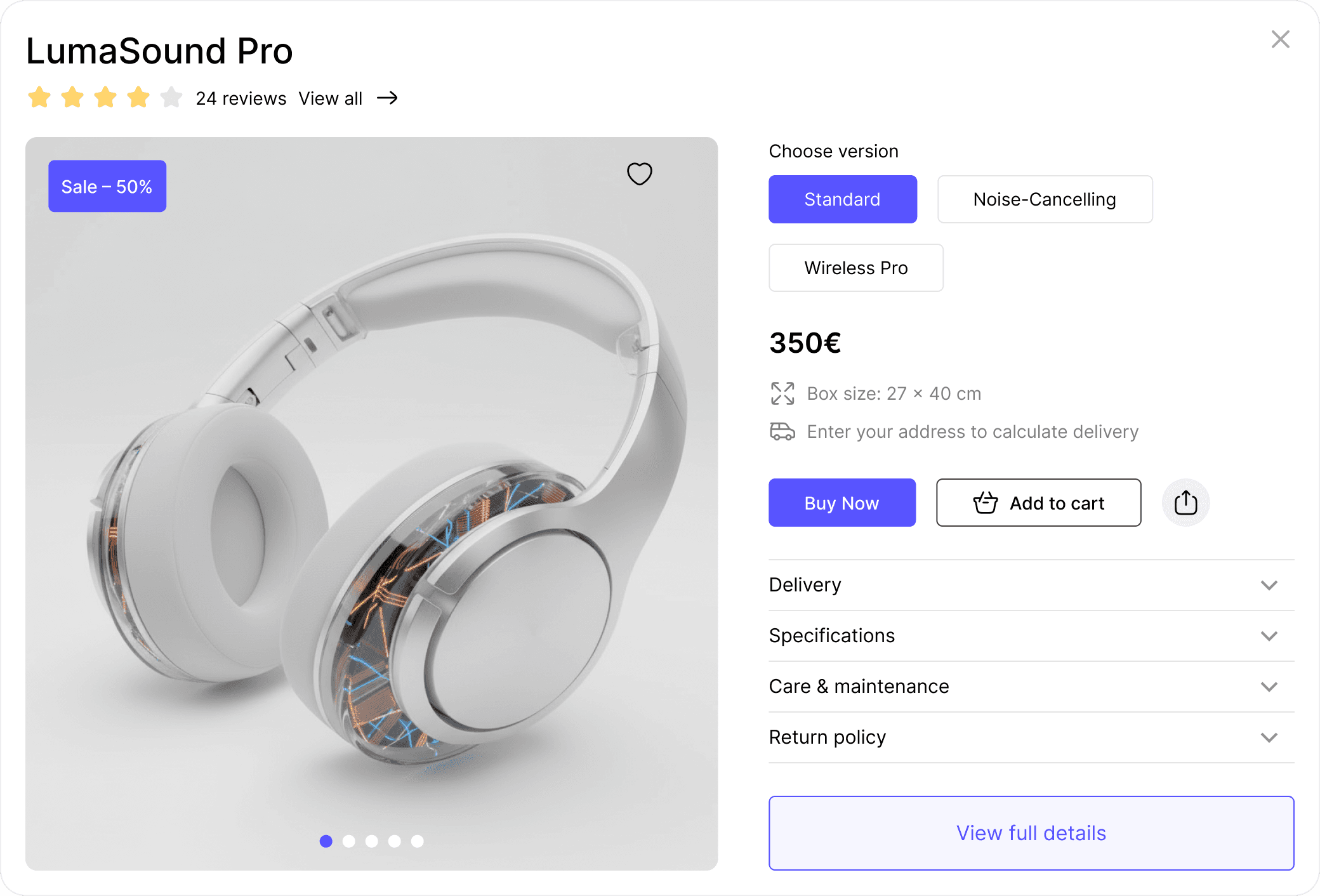
Bring your website into Useberry in minutes, then run task-based usability testing with clicks, recordings, and success metrics.
Proxy Server
Test a website through a secure proxy link. Perfect for quick checks, fast iterations and competitor comparison.
Useberry Snippet
Add a lightweight snippet to your code for deeper interactions and testing.
Start getting actionable data
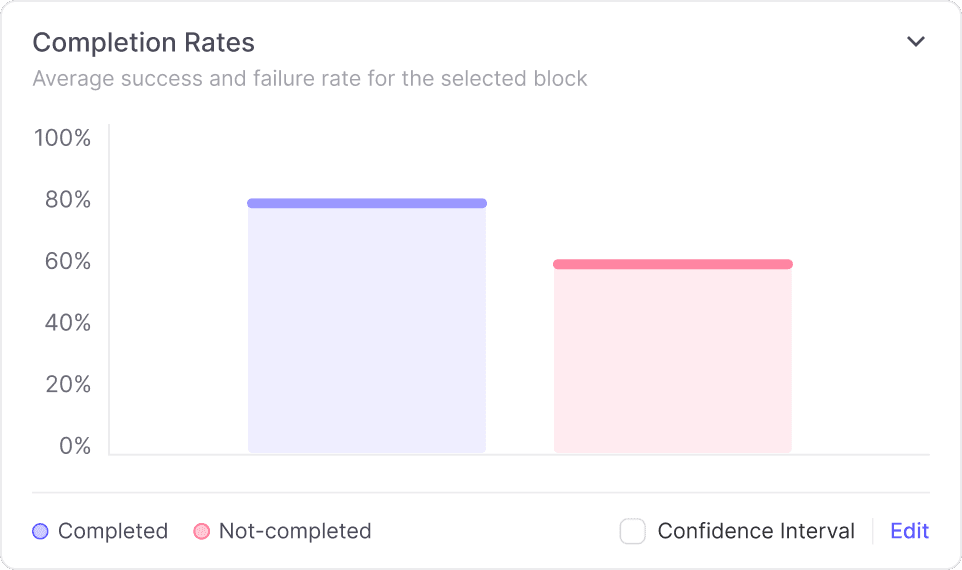
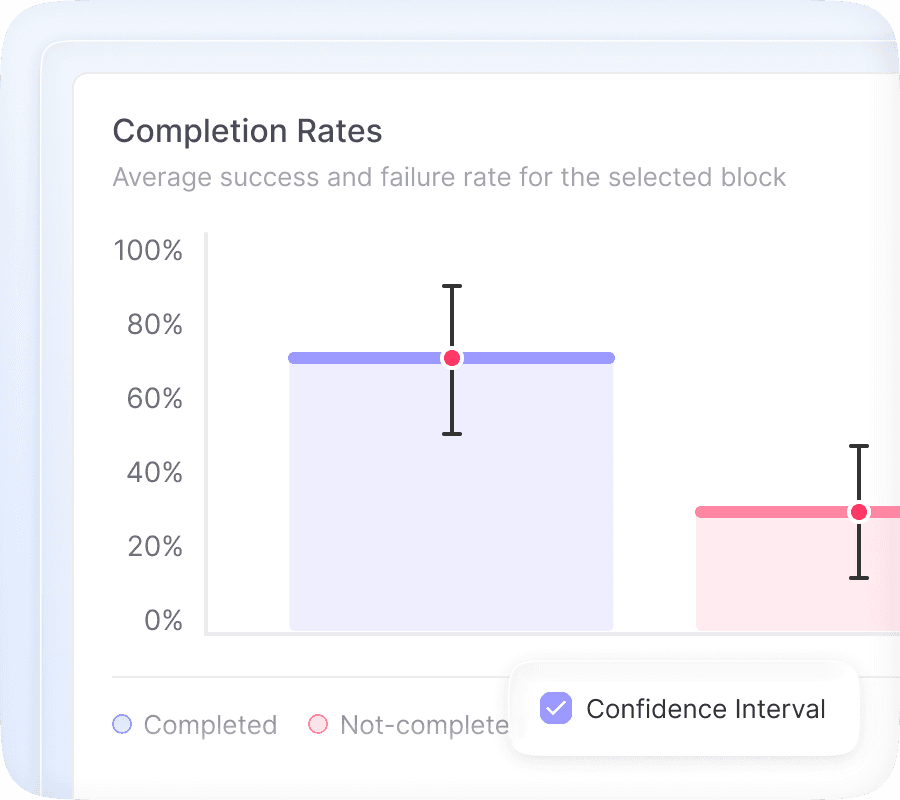
Define what participants should do, then track success with completion rules that match real flows. Measure task completion, time on task, and drop-offs, then use click tracking to see where users click and hesitate.
Start getting actionable data
Define what participants should do, then track success with completion rules that match real flows. Measure task completion, time on task, and drop-offs, then use click tracking to see where users click and hesitate.
Start getting actionable data
Define what participants should do, then track success with completion rules that match real flows. Measure task completion, time on task, and drop-offs, then use click tracking to see where users click and hesitate.
Clear results dashboard
Results that explain behavior
Go beyond surface level feedback. Useberry combines behavioral signals and clear results dashboard so teams can prioritize fixes with confidence.
Recordings
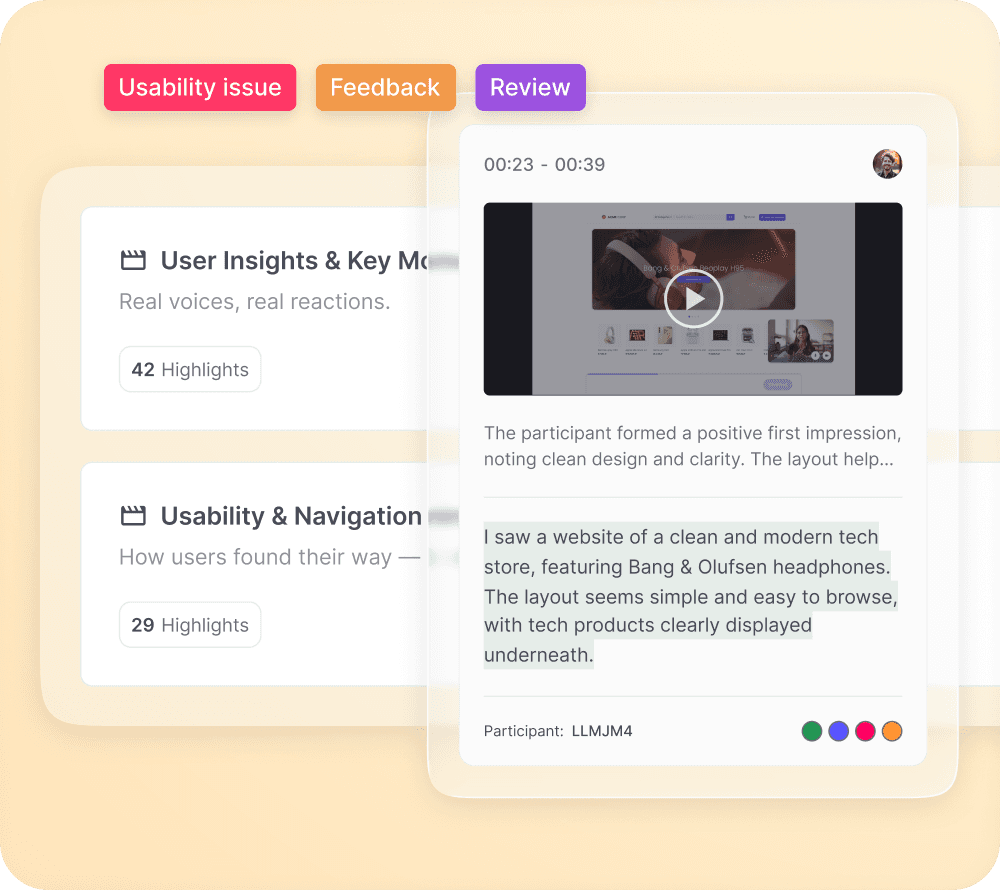
Review screen, voice, and face recordings and build Highlight Reels for powerful visual evidence.
Recordings
Review screen, voice, and face recordings and build Highlight Reels for powerful visual evidence.
Click Tracking
Use heatmaps and interactive clicks to see what gets attention, what gets ignored, and where miss-clicks happen.
Click Tracking
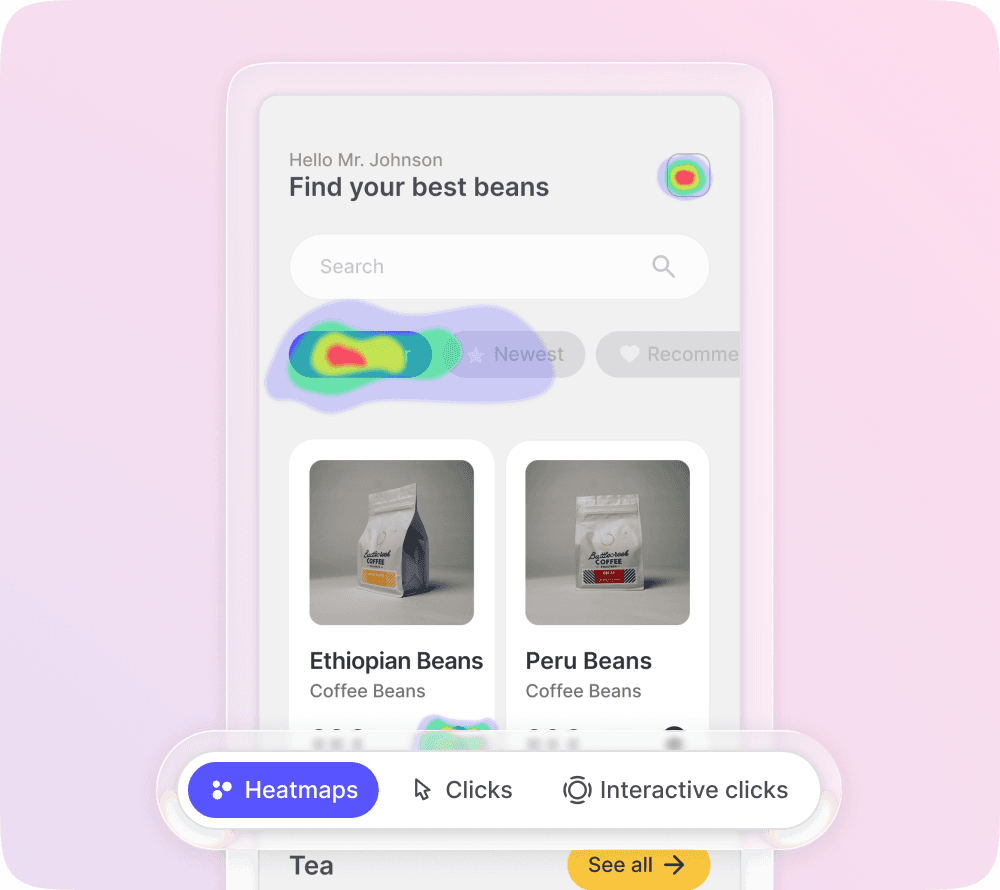
Use heatmaps and interactive clicks to see what gets attention, what gets ignored, and where miss-clicks happen.
User Flows
Visualize paths, loops, and drop-offs across tasks to uncover friction in key journeys.
User Flows
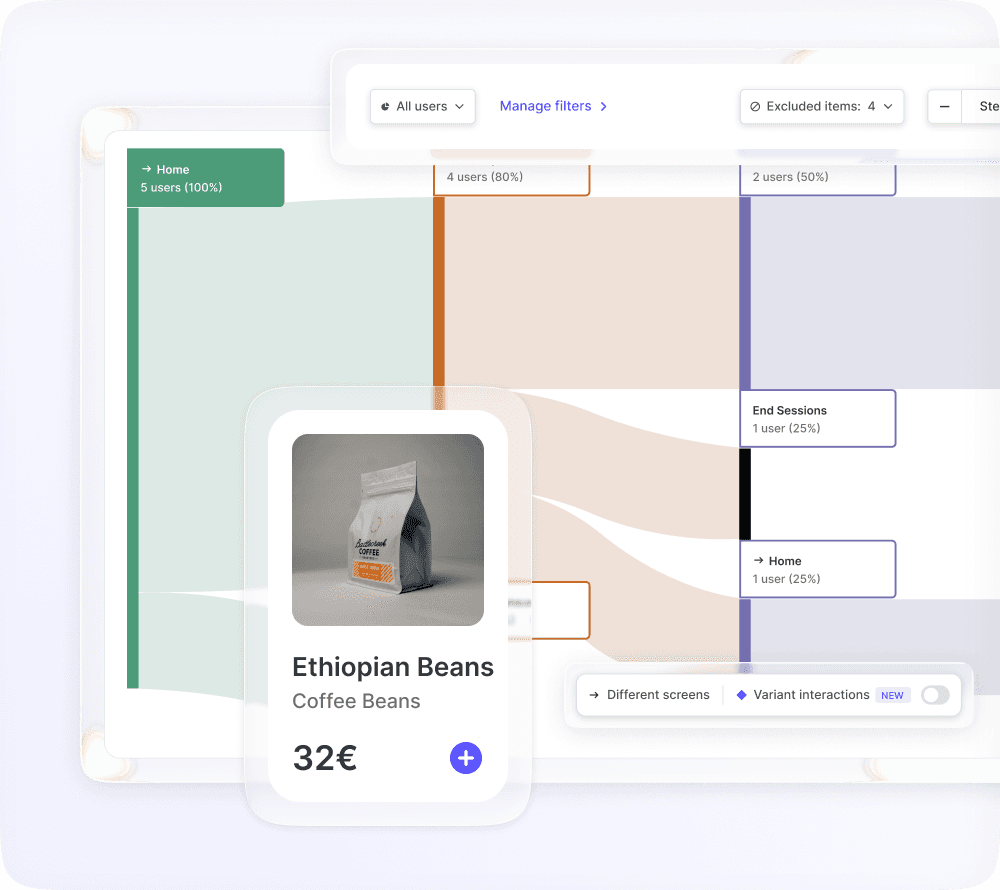
Visualize paths, loops, and drop-offs across tasks to uncover friction in key journeys.
Powerful Metrics
Track completion rates, time on task, total clicks per screen, and more to compare performance across pages and variations.
Powerful Metrics
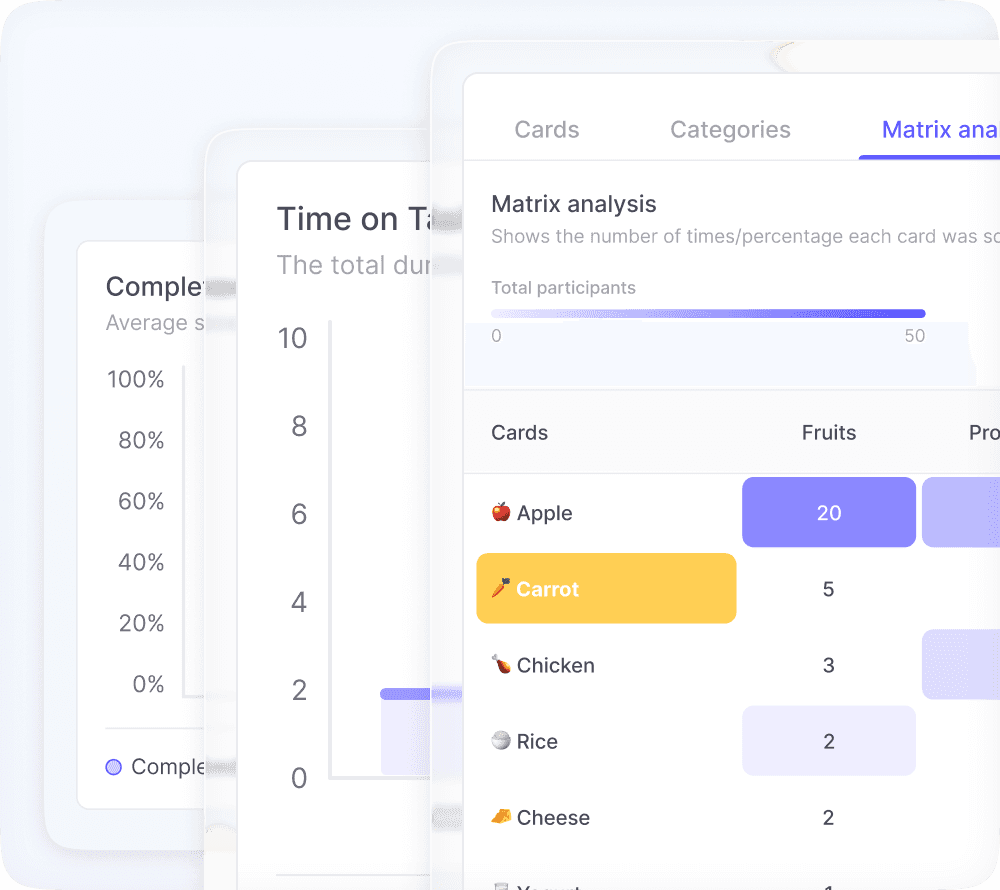
Track completion rates, time on task, total clicks per screen, and more to compare performance across pages and variations.
Choose the right method
Match your test to your objective
Website usability testing is not one-size-fits-all. Choose from a variety of research method that fits your research goal.

Single Task
Ask participants to complete a specific action on your website and measure success, completion rates, and friction points.

Open Analytics
Let participants navigate more freely while you observe the paths they take, where they hesitate, and self-report when they believe the task is complete.

First Click
See where visitors click first to complete a task. Test whether your navigation, CTAs, and page layout guide them in the right direction.

5 Second Test
Test what people understand, remember, and notice after a quick glance at your page, hero section, or key campaign message.

Surveys
Add follow-up questions, surveys, and preference checks to capture both behavior and reasoning.

A/B Testing
Use randomization to show participants different versions of a page, flow, CTA, or message, then compare results to see which variation performs better.
Single Task
Ask participants to complete a specific action on your website and measure success, completion rates, and friction points.
Open Analytics
Let participants navigate more freely while you observe the paths they take, where they hesitate, and self-report when believe the task is complete.
First Click
See where visitors click first to complete a task. Test whether your navigation, CTAs, and page layout guide them in the right direction.
5 Second Test
Test what people understand, remember, and notice after a quick glance at your page, hero section, or key campaign message.
Surveys
Add follow-up questions, surveys, and preference checks to capture both behavior and reasoning.
A/B Testing
Use randomization to show participants different versions of a page, flow, CTA, or message, then compare results to see which variation performs better.
Built for complete website research workflows
Combine methods, manage recruitment, share insights, and keep testing consistent across releases.
Recruit the right audience for your website
Bring your own participants with a shareable link, or reach targeted audiences through Useberry’s Participant Pool. Get feedback from the people your website is built for.
Recruit the right audience for your website
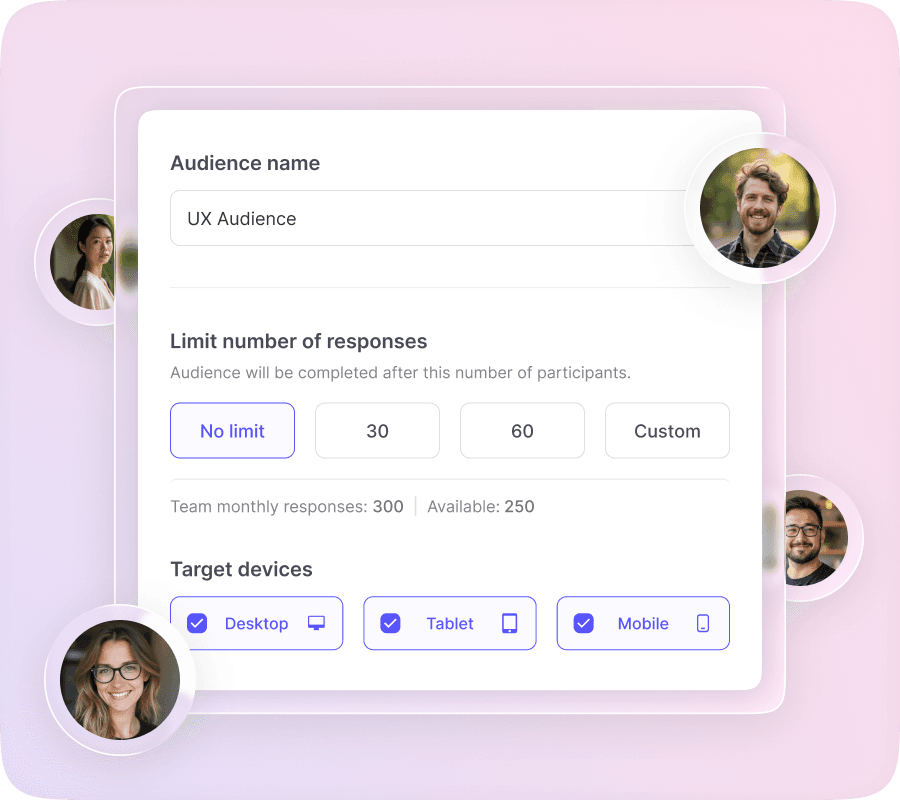
Bring your own participants with a shareable link, or reach targeted audiences through Useberry’s Participant Pool. Get feedback from the people your website is built for.
Recruit the right audience for your website
Bring your own participants with a shareable link, or reach targeted audiences through Useberry’s Participant Pool. Get feedback from the people your website is built for.
Share insights securely, keep everyone aligned
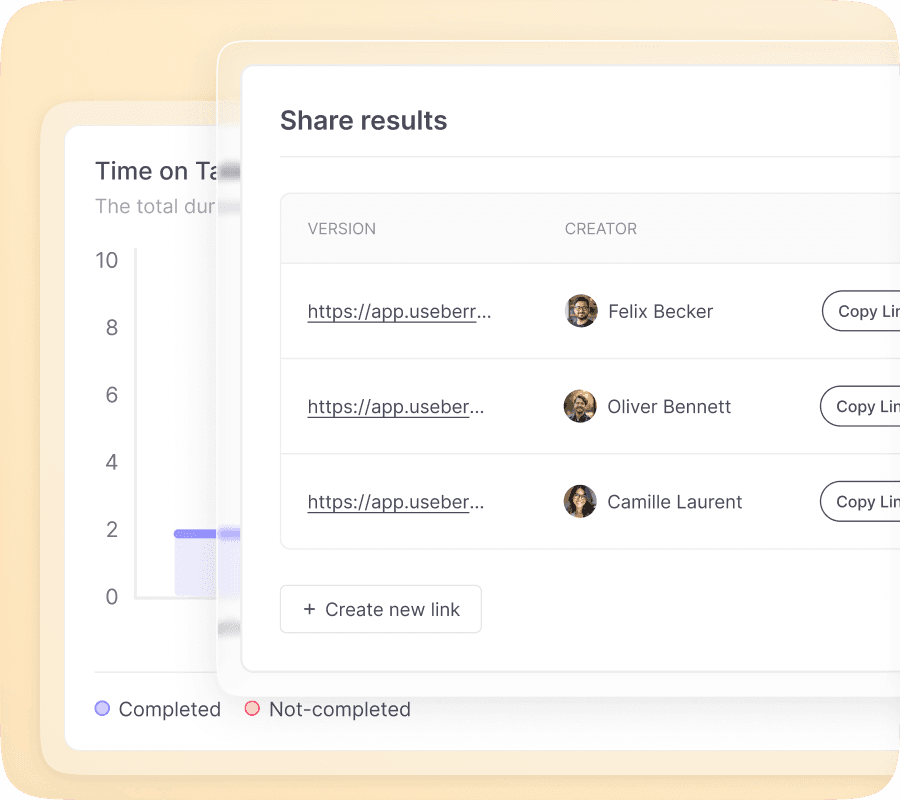
Invite stakeholders to review results without friction. Use links, permissions, and security options to keep studies organized and access controlled.
Share results with a link, with optional password protection
Assign roles and permissions across workspaces
Add a legal consent screen when needed
Share insights securely, keep everyone aligned
Invite stakeholders to review results without friction. Use links, permissions, and security options to keep studies organized and access controlled.
Share results with a link, with optional password protection
Assign roles and permissions across workspaces
Add a legal consent screen when needed
Share insights securely, keep everyone aligned
Invite stakeholders to review results without friction. Use links, permissions, and security options to keep studies organized and access controlled.
Share results with a link, with optional password protection
Assign roles and permissions across workspaces
Add a legal consent screen when needed
Start faster with website testing templates
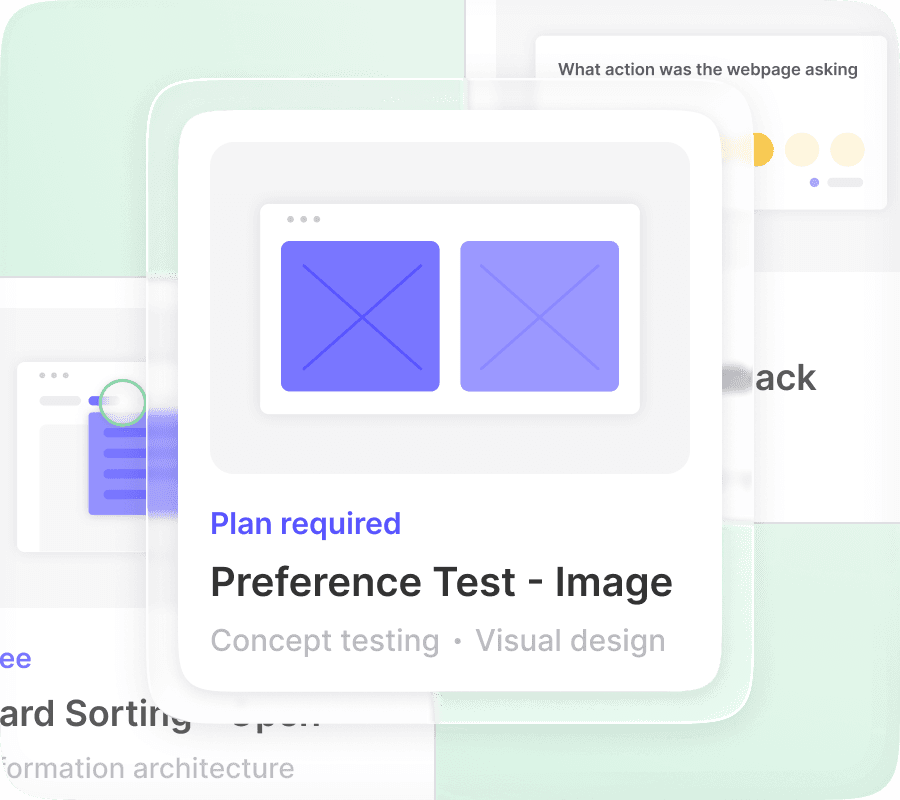
Skip setup from scratch. Use ready-made templates for common website UX testing goals like navigation checks, funnel reviews, and page clarity.
Start faster with website testing templates
Skip setup from scratch. Use ready-made templates for common website UX testing goals like navigation checks, funnel reviews, and page clarity.
Start faster with website testing templates
Skip setup from scratch. Use ready-made templates for common website UX testing goals like navigation checks, funnel reviews, and page clarity.
Create experiences users love
Understand what works, fix what doesn’t, and keep improving.
No credit card required
Create experiences users love
Understand what works, fix what doesn’t, and keep improving.
No credit card required
Create experiences users love
Understand what works, fix what doesn’t, and keep improving.
No credit card required